Guides
How to return to a game after a long break
Before restarting a game after a long break, work out what you have forgotten: the controls, the story or what you were doing next. Recover that missing piece, try your existing save, then decide whether you want to continue.
By Kasetto · Published · Updated
A guide by Kasetto. Sources and methodology.
What have you forgotten?
You may remember the characters but not the buttons, or know how to play without remembering your next objective. Those call for different kinds of help.
| The problem | Try this first | You are ready when… |
|---|---|---|
| The controls feel unfamiliar | Read the control menu; practise movement and basic actions in a safe area or training mode, if available | You can do the actions needed for the next task |
| The story is hazy | Read the in-game journal or recap, if there is one | You know who you are helping and why |
| You have no idea where to go | Check the active objective, map and recent journal entries, where available | You can name one next action |
If you need an outside guide, look for the last chapter or quest you recognise. Avoid full plot summaries, character pages and video thumbnails if you want to keep later events a surprise.
Give your current save one session
- Check which save belongs to your playthrough. Before trying a new game or tutorial, check whether it can overwrite that save; use a separate slot only if the game supports one.
- Load your playthrough and find a manageable task: revisit a familiar area, check your equipment or follow one objective. You do not need to push through the hardest encounter immediately.
- Refresh only what that task needs. If a system is still confusing, consult its in-game help or the developer’s guide rather than trying to relearn everything at once.
- At a stopping point, ask whether you want another session. Decide from how it feels now, rather than from how much you have already played.
When does restarting make sense?
Continue
You still want to see what comes next
The story interests you, and a reminder gives you enough context to act. You do not need to remember every side quest.
Restart
You want the beginning again
Replaying the opening sounds enjoyable, or you want to learn the systems from scratch. Check the save-slot behaviour before starting.
Leave it
You remember why you stopped
The part you disliked is still there, and neither continuing nor restarting appeals. You can leave it unfinished.
If the only obstacle is deciding which paused game to return to, use a small shortlist first.
Leave yourself a way back in
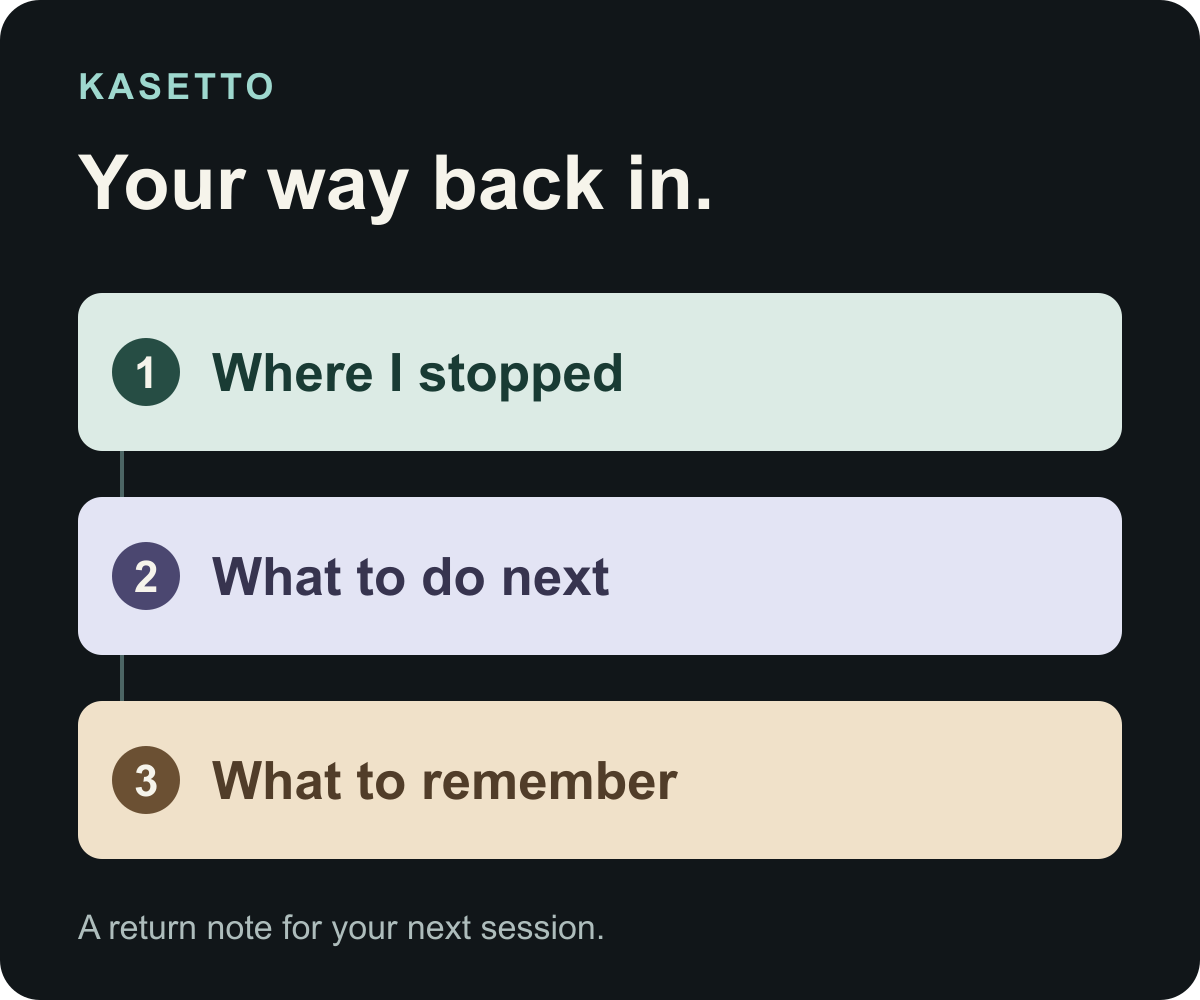
Before you stop, write down where you are, your next action and one detail you are likely to forget. Keep story details in a private note if you do not want to share spoilers.
| Prompt | Example |
|---|---|
| Where I stopped | At the harbour, before leaving town |
| What I will do next | Speak to the ferry keeper about the northern route |
| What I need to remember | The warehouse door is still locked; come back after finding its key |
An unresolved question belongs in the note too. “I do not know how to open that door” is more useful than accidentally treating a guess as something you already solved.
Keep the games you want to return to in Kasetto
Make a Stack called “Return to” for the games you still want to revisit. When you pick one up again, set its Library status to Playing. If you decide to stop, you can mark it abandoned and write a short review about why.
Library tracking, reviews and unlimited Stacks are free. Kasetto runs on iPhone with iOS 26 or later and requires an account; your Library can include PC and console games.
Sources and editorial note
Published by Kasetto, not an independent review site. Player discussions informed the question; they are not a survey. The return note is fictional, and the approach is a suggestion rather than a tested formula. Product details checked 28 October 2026.